
Lens K8S IDE
 Lens K8S IDE
The #1 IDE for Kubernetes
Lens K8S IDE brings clarity and control to Kubernetes, now with AI. Run your AI Coding Agent inside Lens with full cluster context, or connect from outside via Lens MCP server.
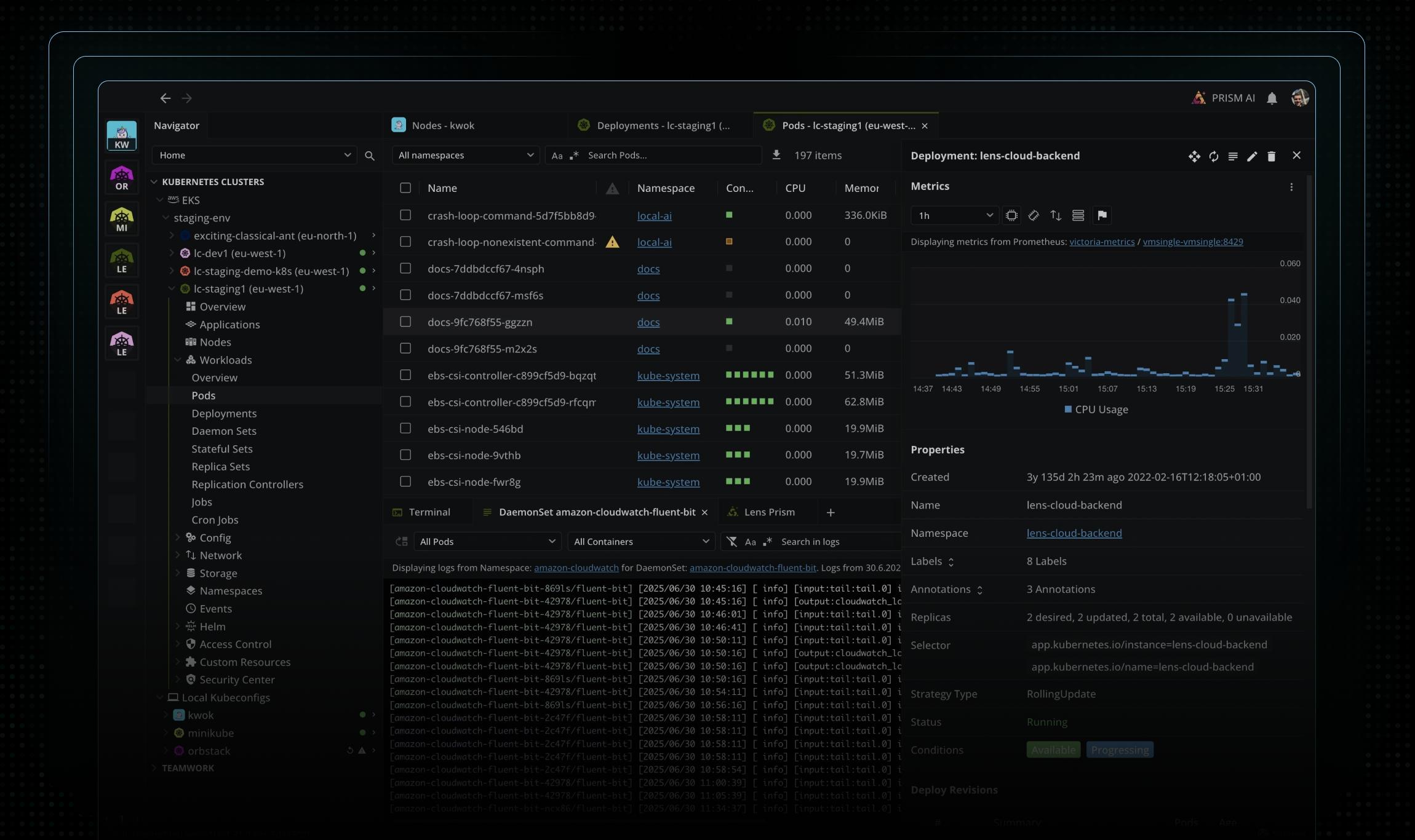
From the makers of the #1 Kubernetes IDE — Trusted by the World's Best Product Teams
















Premium Features
Lens Kubernetes Premium Features


Ask AI: Bring your AI agent to your cluster
Bring Claude Code, Codex, Copilot, or Gemini into Lens. Right-click any resource to summarize it or analyze its logs, events, and metrics, all grounded in your live cluster.


Flux and Argo CD, next to every Kubernetes resource
Watch Flux and Argo CD reconcile in real time, next to the workloads and nodes they run on. Jump from a reconcile error straight to the affected resources.


Every EKS and AKS cluster, discovered
One click for EKS, one sign-in for AKS. Lens finds every cluster you can access and keeps it live. No kubeconfig, no context switching.
Kubernetes Doesn't Have to Be This Hard
Lens is the developer-first IDE that brings clarity and control to Kubernetes — so you can see more, understand faster, and fix sooner.
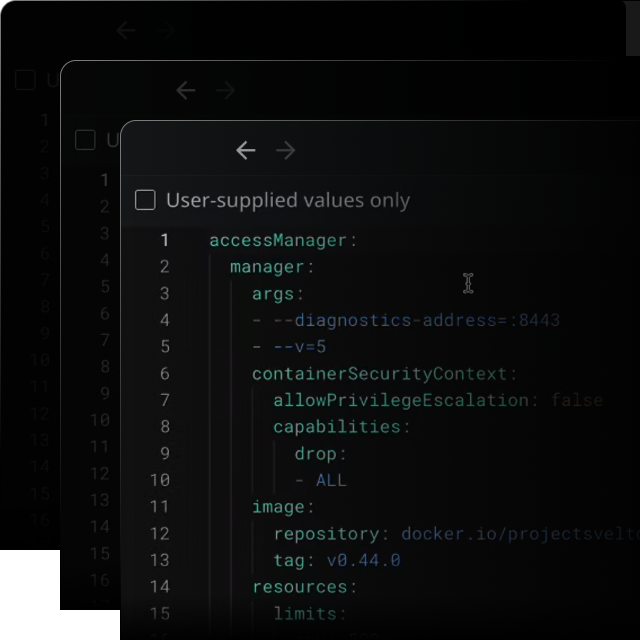
Built for Engineers, Not Dashboards
For developers, DevOps, and SREs who live in Kubernetes. Lens is your power tool — not another dashboard. Deploy, debug, and deliver faster.
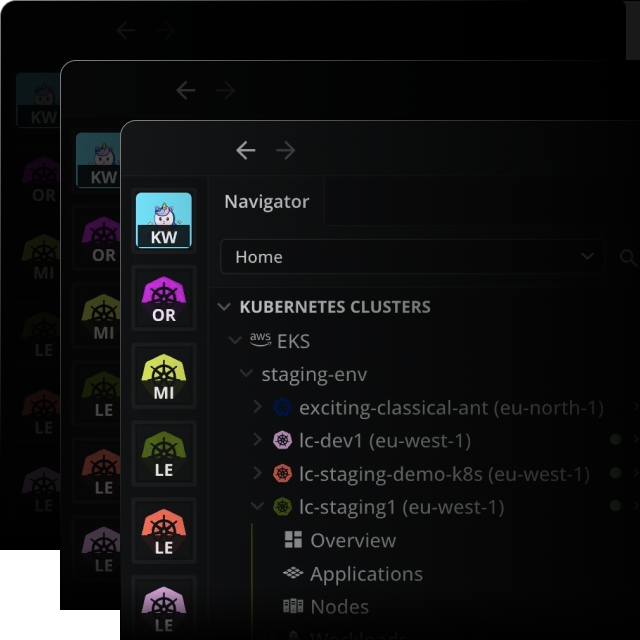
See Everything. Act Instantly.
From workloads and logs to events and metrics — everything in one intuitive view. No CLI gymnastics. No guesswork.
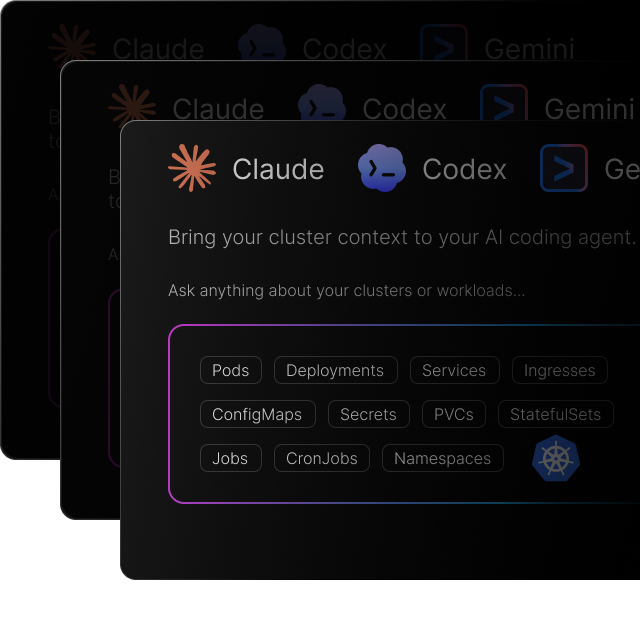
AI that connects to your cluster context
Ask AI connects your own AI coding agent to your cluster with full context. It reads the live state of your cluster and helps you find the root cause and act on it.
See Lens in Action
From first-time users to global platform teams, Lens delivers instant clarity — and scales effortlessly with your Kubernetes complexity.
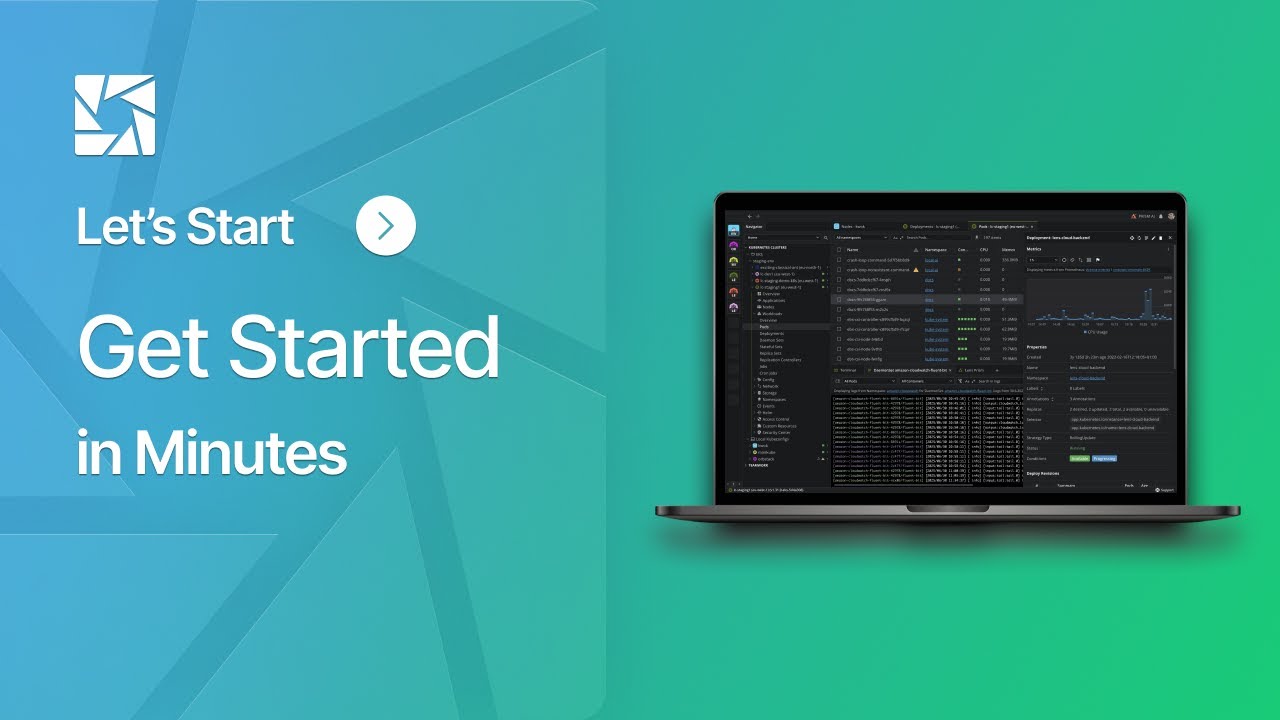
Get Started in Minutes
Install, connect, and explore. Lens automatically discovers your clusters and gives you instant visibility into logs, metrics, and events — right out of the box.
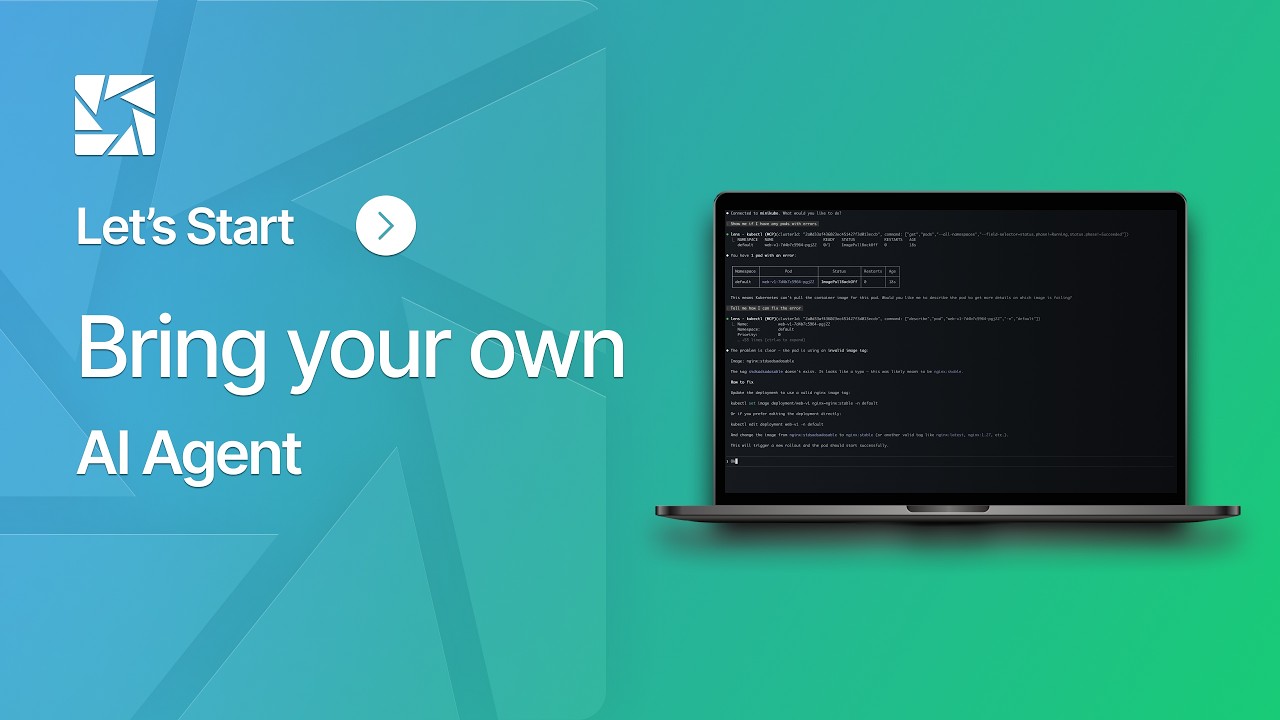
Bring your own AI Agent
See how Lens Ask AI helps you identify and resolve Kubernetes issues in plain English, right inside your IDE, without switching tools or pasting commands elsewhere.
Capabilities
Everything You Need to Master Kubernetes
One IDE for all your clusters — unifying logs, metrics, events, and AI insights into a single, secure, cross-platform experience.
One Lens for All Clusters
No switching between kubectl, browser tabs, or scripts. Lens gives you one unified interface to manage every cluster.
Context-Aware Navigation
Navigate Kubernetes effortlessly. Lens surfaces exactly what matters, when it matters — so you can focus on what's next.
Real-Time Logs
View logs instantly — from a single pod to large-scale deployments. No kubectl, no CLI, just insight in real time.
Real-Time Metrics
See live metrics from metrics-server or Prometheus — always in context and always up to date.
Real-Time Events
Stay on top of what's happening in your clusters with live, contextual event feeds — no refresh needed.
Lens Ask AI
Ask AI gives your own AI coding agent full cluster context through the smart terminal. Ask questions, troubleshoot, diagnose, and fix issues fast.
Auto EKS Cluster Discovery
Automatically detect and connect to AWS EKS clusters in seconds — no extra tools required.
Smart Built-In Terminal
A terminal that's cluster-aware by design — every kubectl command runs in the right context, always.
Fast, Effective Onboarding
Get new engineers productive faster — even without deep Kubernetes expertise. Lens makes learning K8s effortless.
Instant Setup, Immediate Value
Go from install to insight in minutes — no setup lag, no friction, no waiting.
Enterprise-Grade Security
Connect securely using standard kubeconfigs with full RBAC enforcement. No privileged agents. No shadow access.
Cross-Platform Compatibility
Works seamlessly across macOS, Windows, and Linux — every developer on your team can use Lens effortlessly.
Why Lens
Why Developers and Teams Love Lens
Whether you're an individual developer or part of a global platform team — Lens helps you move faster, see clearer, and get more done with Kubernetes.
For Developers
Turn Kubernetes into a UI, not a puzzle.
Skip kubectl gymnastics. Lens gives you instant visibility and control — no memorized commands required.
Your AI agent, wired in.
Your AI coding agent diagnoses and troubleshoots your live cluster in plain English.
From install to insight in minutes.
Zero learning curve. Just download, connect, go.
Works with your workflow.
Connect to any cluster, any cloud. Bring your kubeconfig and get started.
Security that gets out of your way.
You stay in control. Lens runs on your desktop and respects your access boundaries — no agents, no surprises.
One Lens. Every Cluster.
Manage all your Kubernetes environments from one unified IDE. Dev to prod — all in one place.
Made for real-world dev workflows.
Lens removes friction, reduces context switching, and helps you move faster — without fighting Kubernetes complexity.
For Organizations
Faster Time to Value
Lens deploys instantly, works out of the box, and delivers ROI from day one — no costly integrations or long ramp-ups.
Peak Productivity
Cut context switching and boost flow. Lens unifies dev and ops work across every environment.
Lower TCO, Higher ROI
Cut tooling overhead. Lens saves 8+ hours per developer per week — compounding into faster releases and lower ops costs.
Faster Onboarding
New hires ramp up on Kubernetes up to 95% faster, according to our users.
Accelerated Incident Response
Lens helps teams cut MTTR with real-time visibility, contextual AI insights, and smarter triage — fewer escalations, faster resolutions, more reliable systems.
Enterprise-Grade Security
SOC 2-ready. No agents. No elevated access. Lens fits right into your existing security model.
Future-Ready by Design
Lens evolves with your stack — from on-prem to cloud-native, from kubectl to AI assistance. Built for where Kubernetes is going, not where it's been.
Adapt as You Grow
From solo dev to global platform team, Lens scales with your clusters, users, and organizational complexity — without introducing tool sprawl.
Ready to get Started?
Clarity and control start here.