
Lens K8S IDE, the #1 IDE for Kubernetes. Black Week starts now. Lens Plus 40% off*

Lens Plus unlocks the premium features of Lens K8S IDE. Get 40% off* your first year.
Use code LENS40 at checkout.
 Flux
 Argo


*Valid only for new annual Lens Plus subscriptions. The 40% discount applies to the first year.
Used by over a million engineers
From startups to global enterprises, engineers use Lens to manage Kubernetes. Here are some of the companies they work at.

















Premium Features
More ways to work with Kubernetes


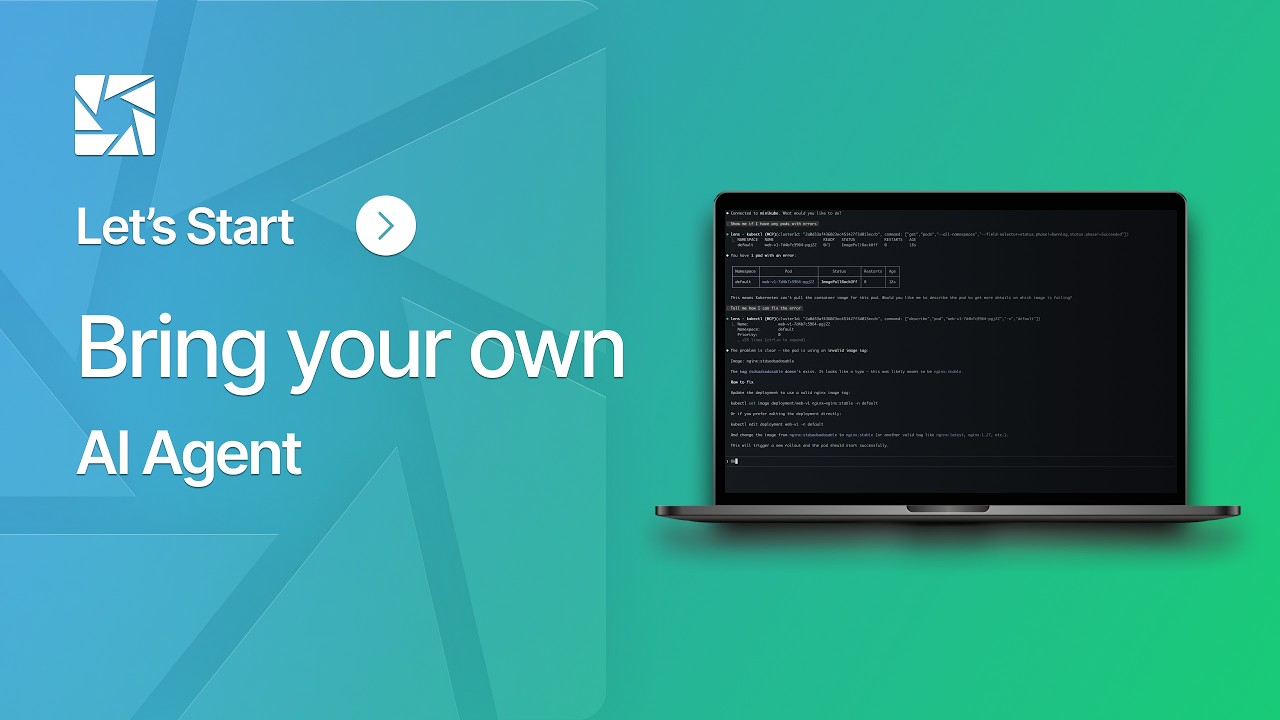
Troubleshoot with your AI agent
Use Claude Code, Codex, Copilot, or Gemini inside Lens to investigate your cluster's logs, metrics, and events.


Follow GitOps deployments
See sync, health, drift, and failures across your Argo CD Applications and Flux resources, and promote or abort Argo Rollouts without leaving Lens.


Find your EKS, AKS, and GKE clusters
Sign in to AWS, Azure, or Google Cloud and Lens finds your EKS, AKS, and GKE clusters, Autopilot included. No cloud CLI or kubeconfig needed.
Spend less time figuring out what went wrong
A failing pod rarely tells the whole story. Lens puts workloads, logs, events, and metrics together so you can follow the problem to its source.
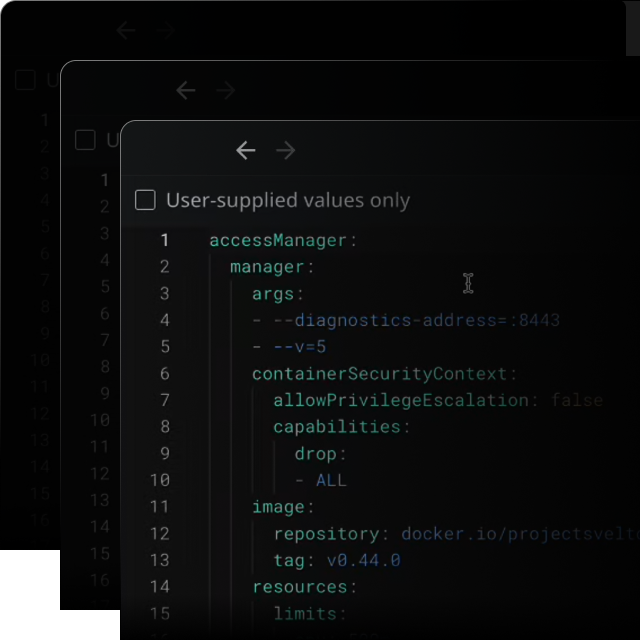
Go from inspecting to fixing
Inspect a workload, edit its configuration, or open a terminal in the same app. Lens gives developers, DevOps engineers, and SREs the tools to act on what they find.
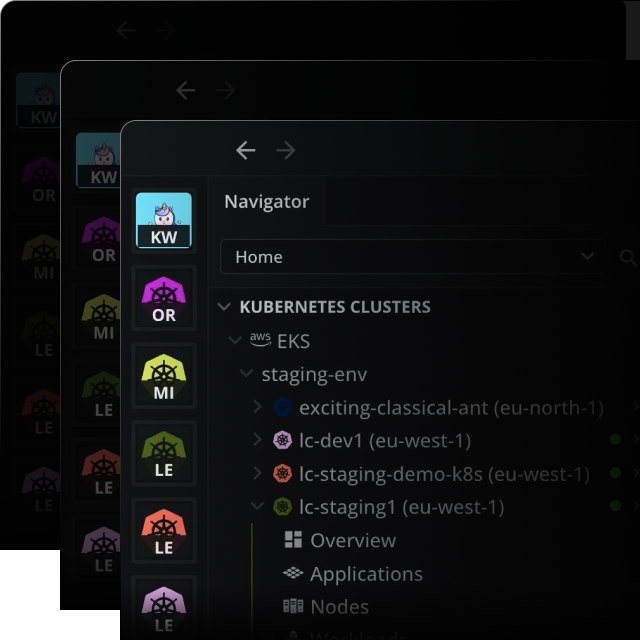
Connect to your EKS clusters
Lens discovers your EKS clusters. No AWS CLI or manual kubeconfig setup needed. Add your go-to clusters to the hotbar for one-click access.
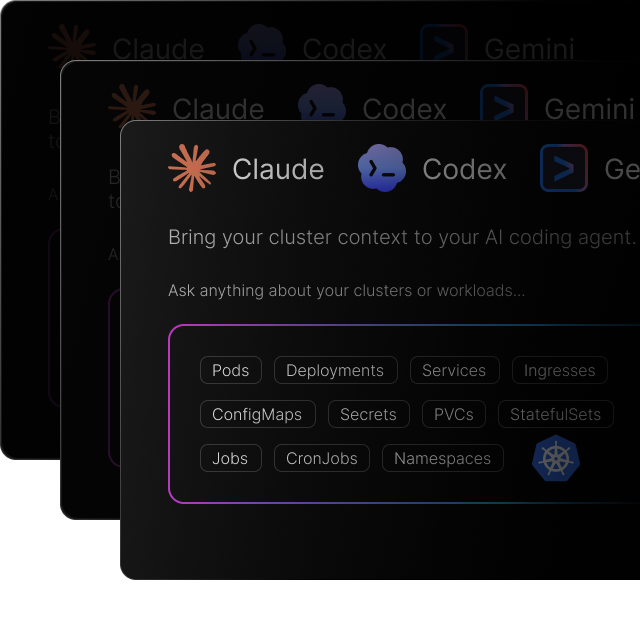
Give your AI agent the context it needs
Ask AI connects your coding agent to live cluster data. Ask about a failing workload and work through possible causes with the relevant logs, events, and metrics at hand.
See Lens in action
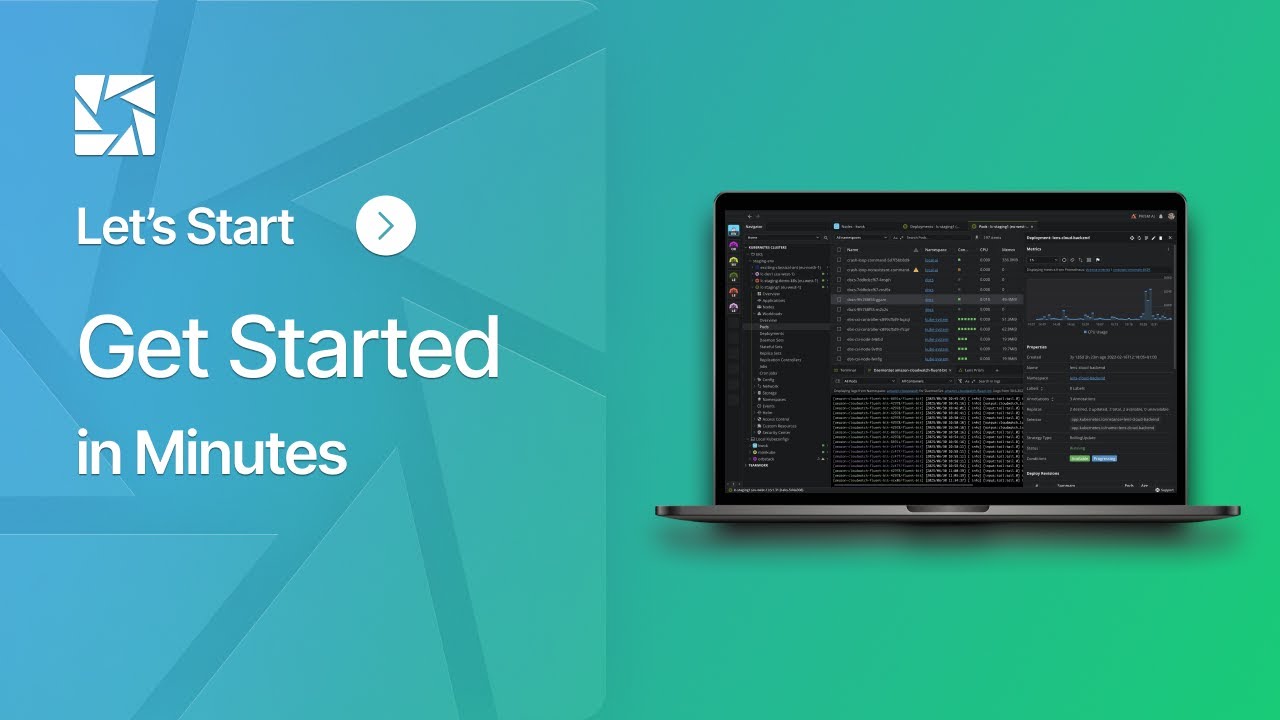
Watch how to connect a cluster, explore your workloads, and investigate an issue with Lens Ask AI.
Capabilities
Kubernetes management tools for everyday work
Explore what Lens can do, from streaming pod logs to tracking GitOps deployments.
Instant setup
Download Lens, sign in to your cloud provider or add a kubeconfig, and start exploring the clusters you can access.
Ask AI and MCP server
Use your AI agent inside Lens, or connect Claude Code, Cursor, or any MCP client to the built-in MCP server to open resources, query metrics, and manage Helm releases.
Managed cluster support
Manage Amazon EKS, Azure AKS, and Google GKE clusters next to your on-premises and local ones. No CLI needed.
Cost monitoring
See what each namespace costs across CPU, memory, storage, and network, with nothing to install on the cluster.
GitOps with Argo CD and Flux
Jump from a failing Argo CD Application or Flux resource straight to the Kubernetes workloads it deploys.
Manage multiple clusters
Move between development, staging, and production clusters in one app, with the same tools for each environment.
Find related resources
Follow links between Kubernetes resources to understand how workloads fit together.
Split screen and tabs
Keep logs beside the resources you're investigating. Arrange tabs side by side or open them in separate windows.
Logs in one click
Stream logs from a single pod or a whole deployment, without typing a kubectl command.
Metrics in context
Metrics from metrics-server or Prometheus, shown right next to the workloads they describe.
Cluster events
Watch Kubernetes events as they arrive to spot scheduling failures, restarts, and other changes.
Smart built-in terminal
A terminal that knows your cluster. Every kubectl command runs in the right context.
Extensions
Add what your team needs from the Extension Marketplace, or have your AI coding agent build an extension of your own.
Browse the marketplaceHelp new engineers get started
Give new teammates a visual way to explore workloads and understand your Kubernetes environments.
Works with Kubernetes RBAC
Connect with your kubeconfig and existing Kubernetes permissions. Lens respects role-based access control (RBAC).
Cross-platform
Runs on macOS, Windows, and Linux, so every developer on your team can use Lens.
Why Lens
Built for the way your team works
See how Lens supports day-to-day development and Kubernetes operations across your team.
For Developers
See your cluster without memorizing commands
Browse workloads, logs, and events in one window instead of piecing them together from kubectl output.
Bring your AI coding agent
Run the AI CLI of your choice inside Lens and ask about your live cluster in plain English.
Up and running in minutes
Download Lens, connect a cluster, and start exploring. There is nothing to install in the cluster.
Works with the clusters you have
Connect any cluster with a Kubernetes API: managed cloud services, on-premises distributions, or local clusters like minikube and kind.
Your access, your permissions
Lens runs on your desktop with your kubeconfig and respects your RBAC. No privileged agent runs in your clusters.
Less context switching
Logs, metrics, events, a terminal, and your AI agent sit side by side, so you can debug without changing tools.
For Organizations
No server to maintain
Install Lens on your team's desktops and connect to your existing clusters. There is no server to run or cluster-side installation to manage.
One view for dev and ops
Developers and operators look at the same clusters in the same tool, which makes handoffs and incident calls easier.
Faster onboarding
New engineers explore workloads visually and learn how your clusters fit together before they master kubectl.
Faster incident response
Logs, events, metrics, and AI help in one place shorten the path from an alert to the root cause.
Enterprise-grade security
A SOC 2 Type 1 audit opinion covers Lens K8S IDE. Lens works with your existing kubeconfig and RBAC, with no elevated access.
Scales with your infrastructure
From a single-node minikube to clusters with 1,000+ nodes, Lens works across local, on-premises, and managed cloud environments as your team grows.
What engineers say about Lens
Engineers share how Lens helps them understand their clusters and get work done.

At CLASTIX we use it. Recommended. We have been early adopters of Lens and always recommend it to our customers.

Here's a nice and free desktop app that will help you visualize and control your Kubernetes cluster(s). 🐳 I know how overwhelming managing a k8s cluster can be. You can get quickly lost in the command line. Here comes Lens, the IDE for Kubernetes. Link is in the reply 👇

I love Lens. It's very clean, easy to use, and provides great information at a glance! Congratulations!

Can't imagine working without @k8slens again. It saves so much time when debugging. Awesome tool! #Kubernetes

This is fantastic, good to know about Lens.. being able to control k8s through a GUI is really awesome.

I'm loving it! The best universal tool for Kubernetes. It is like finally having eyes in Kube world. Easy to spot divergencies from normal and then use different tools to deepdive.

k8s Lens https://k8slens.dev has become an indispensable tool for me to get a quick overview of workloads on kubernetes across clusters

Been using Lens for a while now, can't imagine doing my job without it, keep up the great work.

I've shared it already, but I want to say again that I'm real happy I found @k8slens for Kubernetes work. Makes it much more convenient, especially when juggling multiple clusters!

I have to say I've really been enjoying @k8slens to help track events across my cluster when running @projectsonobuoy e2e testing #k8s #Kubernetes #e2etesting

Thanks for building Lens. Its really excellent

Hijacking this to say @k8slens is excellent and really helped me grok and love my kube clusters
Join the Conversation
Follow along, ask questions, and share what you're building with Lens.


Take a closer look at your clusters
Download Lens for macOS, Windows, or Linux. Looking for a plan for your team? Talk to us.