
TL;DR:
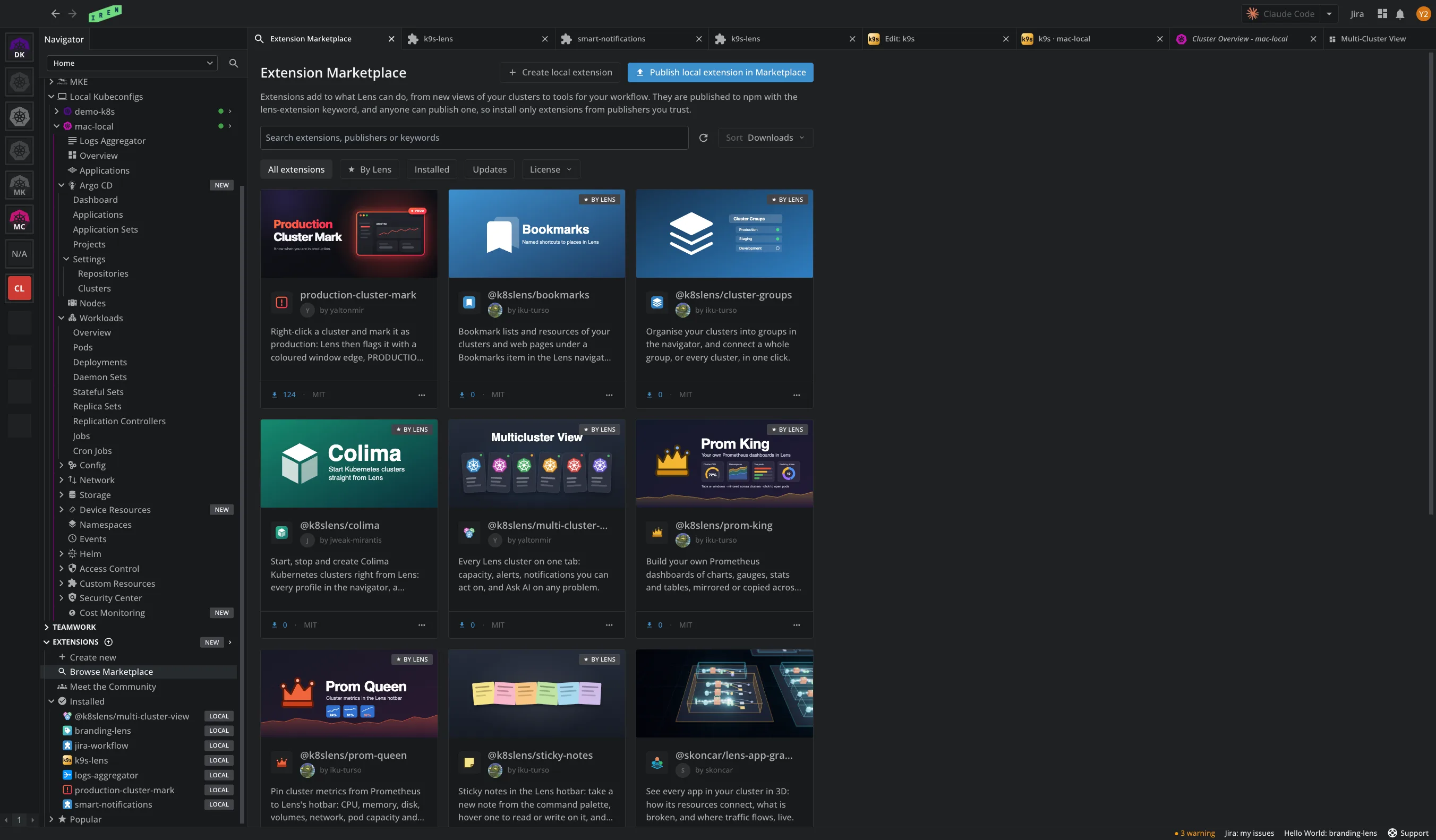
- Extension Marketplace. The features you asked for most, as extensions, one click to install. Publish and clone yours there too.
- Create extensions without coding. Describe the one you need and your AI tool writes it. Two steps, inside Lens.
- Extensions are not apps. They are built from Lens public contracts that the AI is aware of.
- Google GKE integration. Sign in with Google, pick a project, and Lens auto-discovers its running clusters and keeps the list up to date. No gcloud, no kubeconfig to copy.
Example of most requested public extensions
Open Browse Marketplace in the navigator and install any of them in one click. These are some of the features our customers requested, now live as extensions:
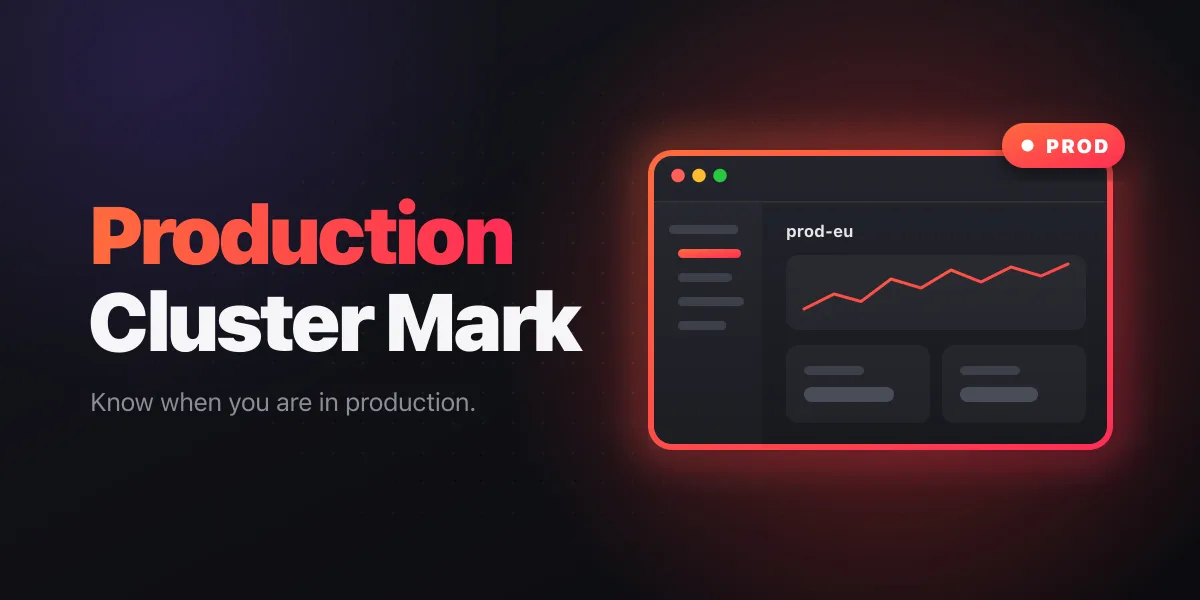
Production Cluster Mark: A red edge around the window when you are on production.
Colima: Deploy, start, and stop local Kubernetes from the navigator. No terminal.
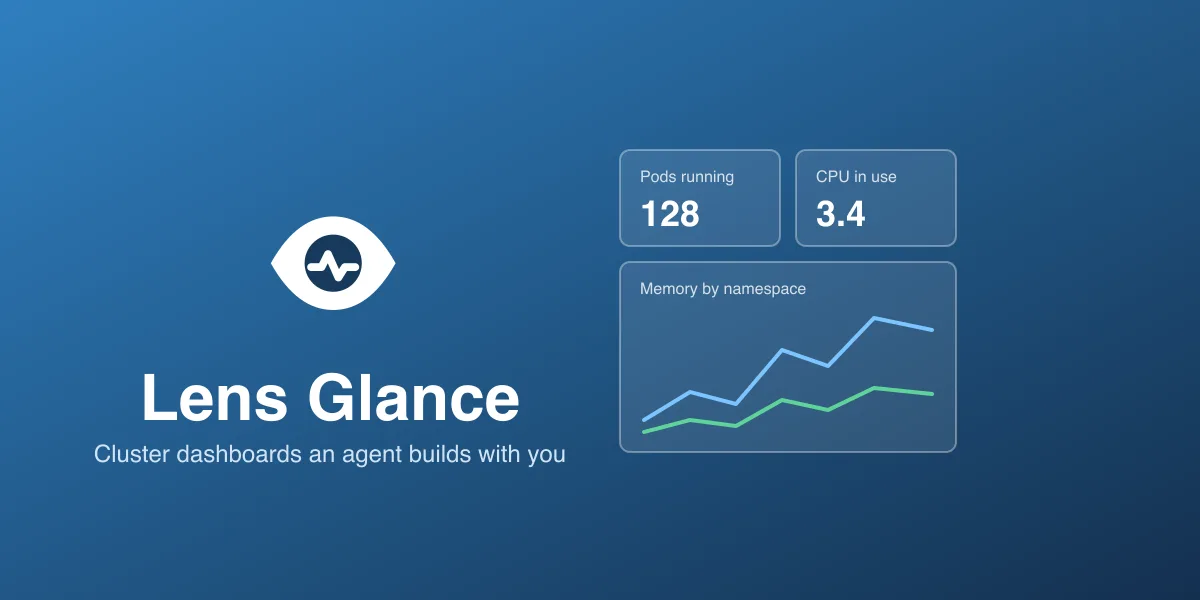
Lens Glance: Describe a dashboard and an AI agent builds it live, from any metric in your clusters.
GitHub Actions: The CI run behind what each cluster deploys, and an alert when one fails.
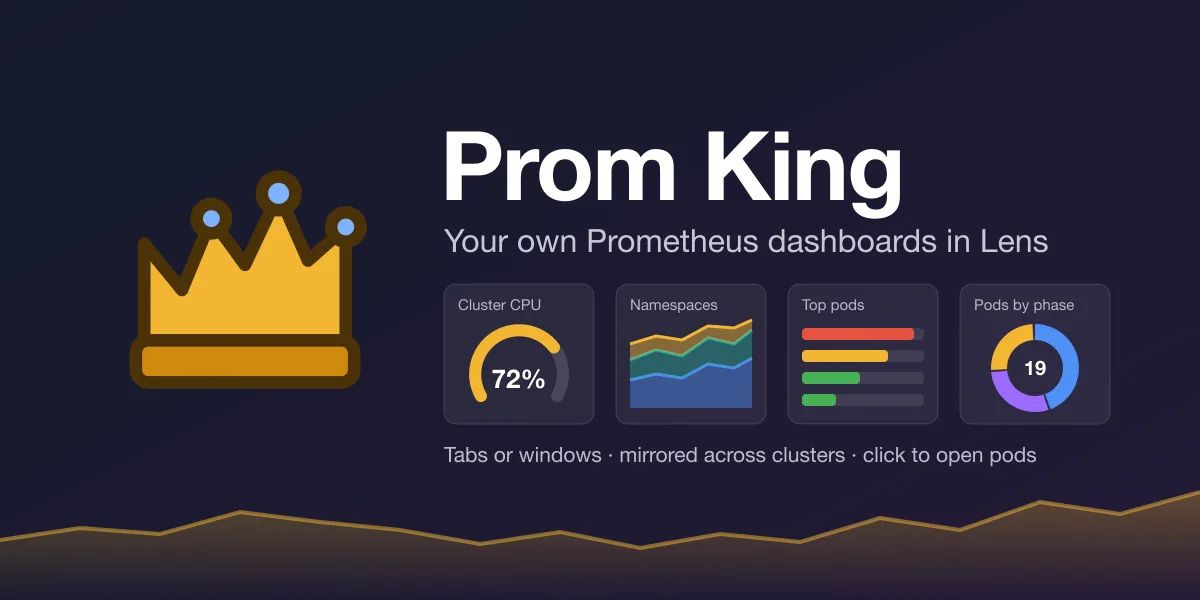
Prom King: Prometheus dashboards from your own PromQL, shared across all your clusters.
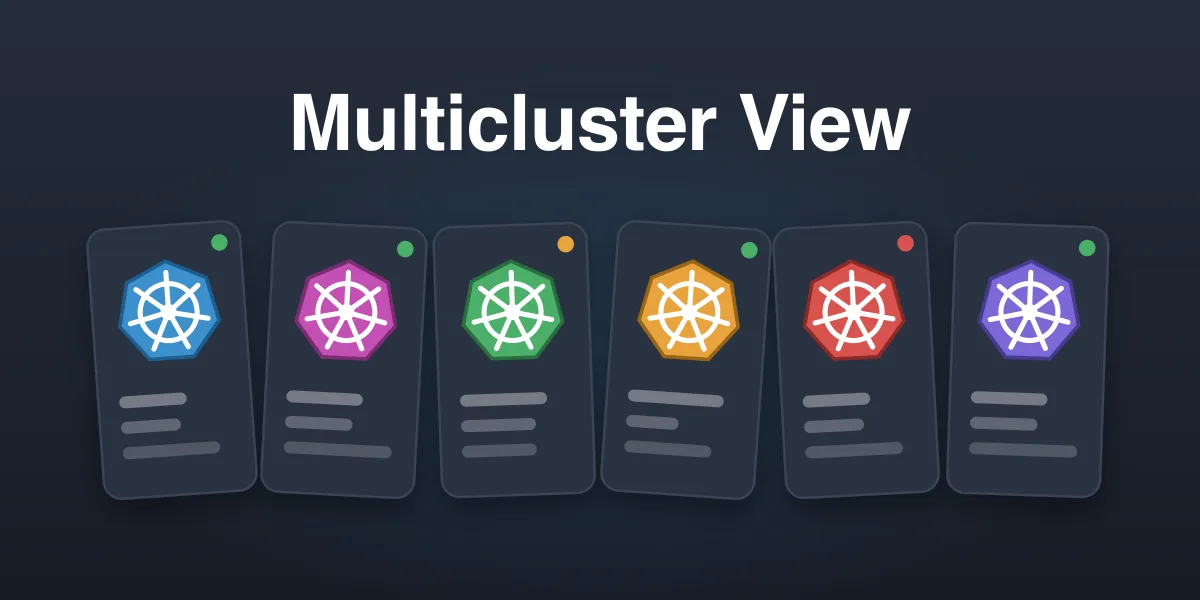
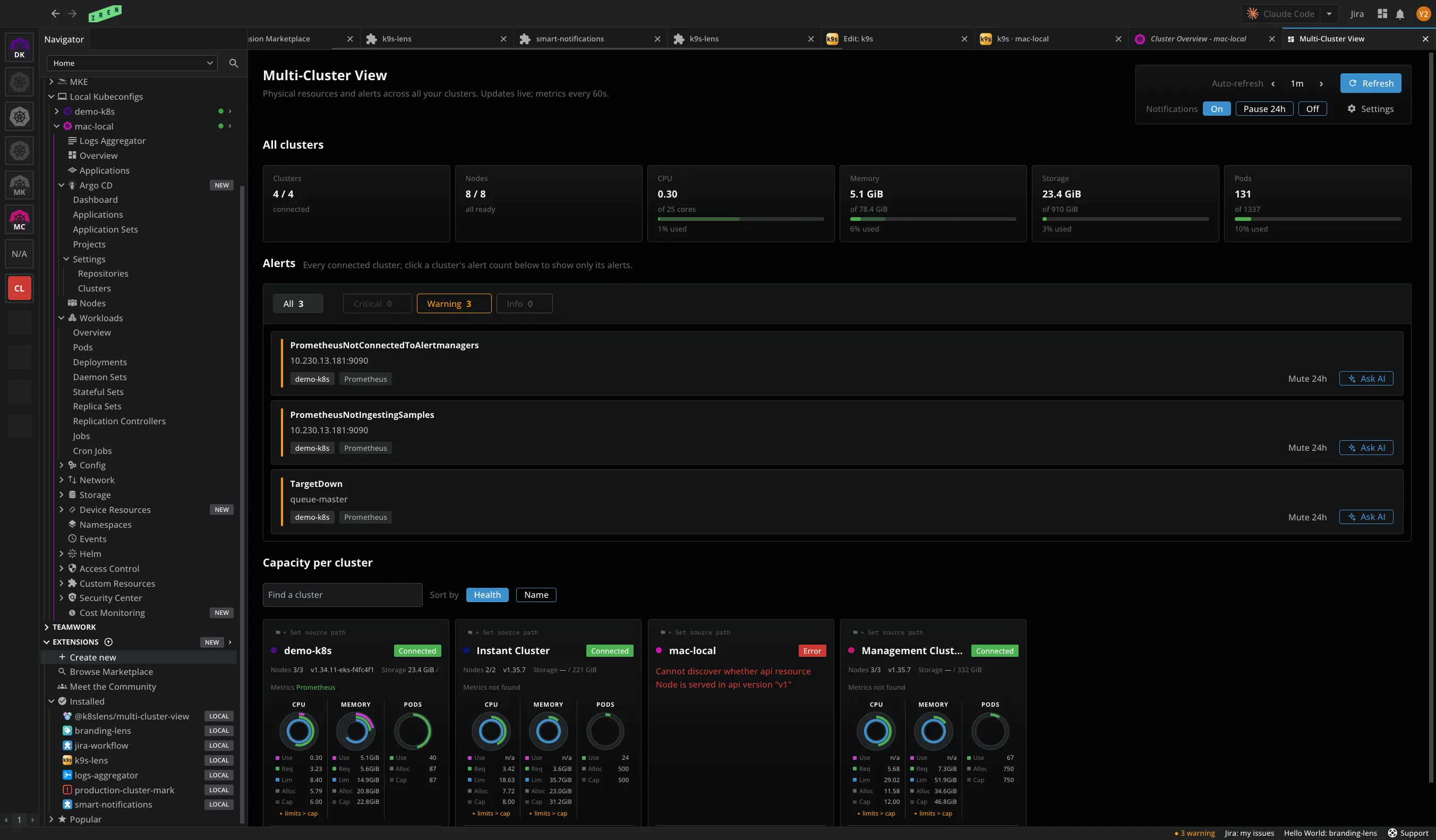
Multi-Cluster View: Your whole fleet on one tab: capacity, alerts, and Ask AI about any of them.
Bookmarks: One click to any resource, list, or web page, pinned to the hotbar.
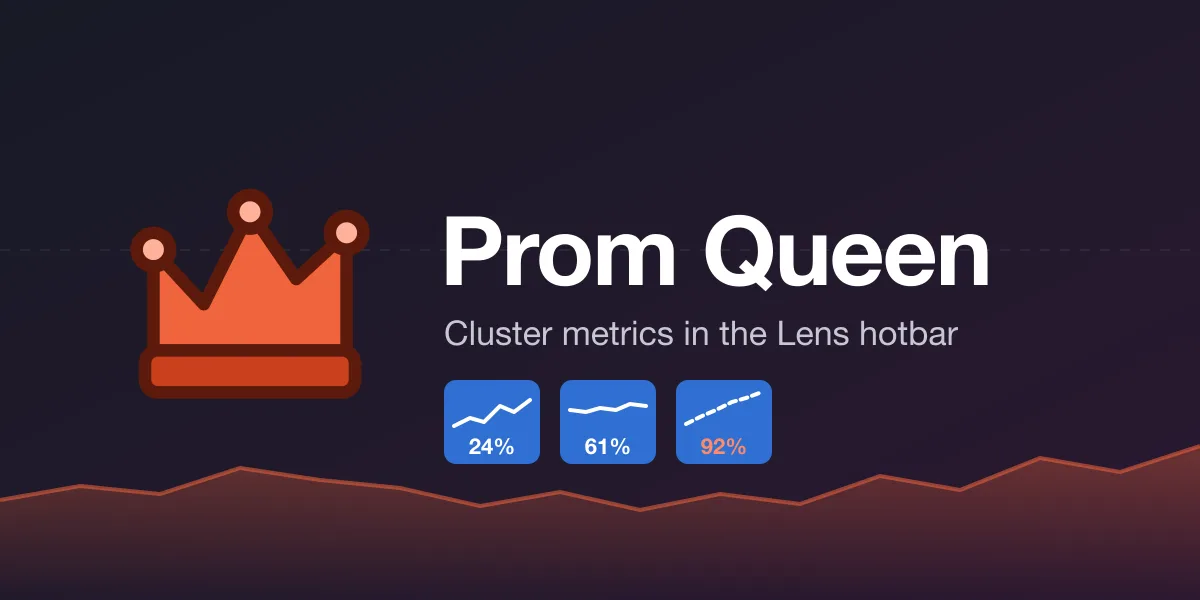
Prom Queen: A live CPU, memory, disk, or pod sparkline in the hotbar, always in view.
The whole catalog is in the app, under Extensions, and on the extension web marketplace.
Create your own extensions without coding
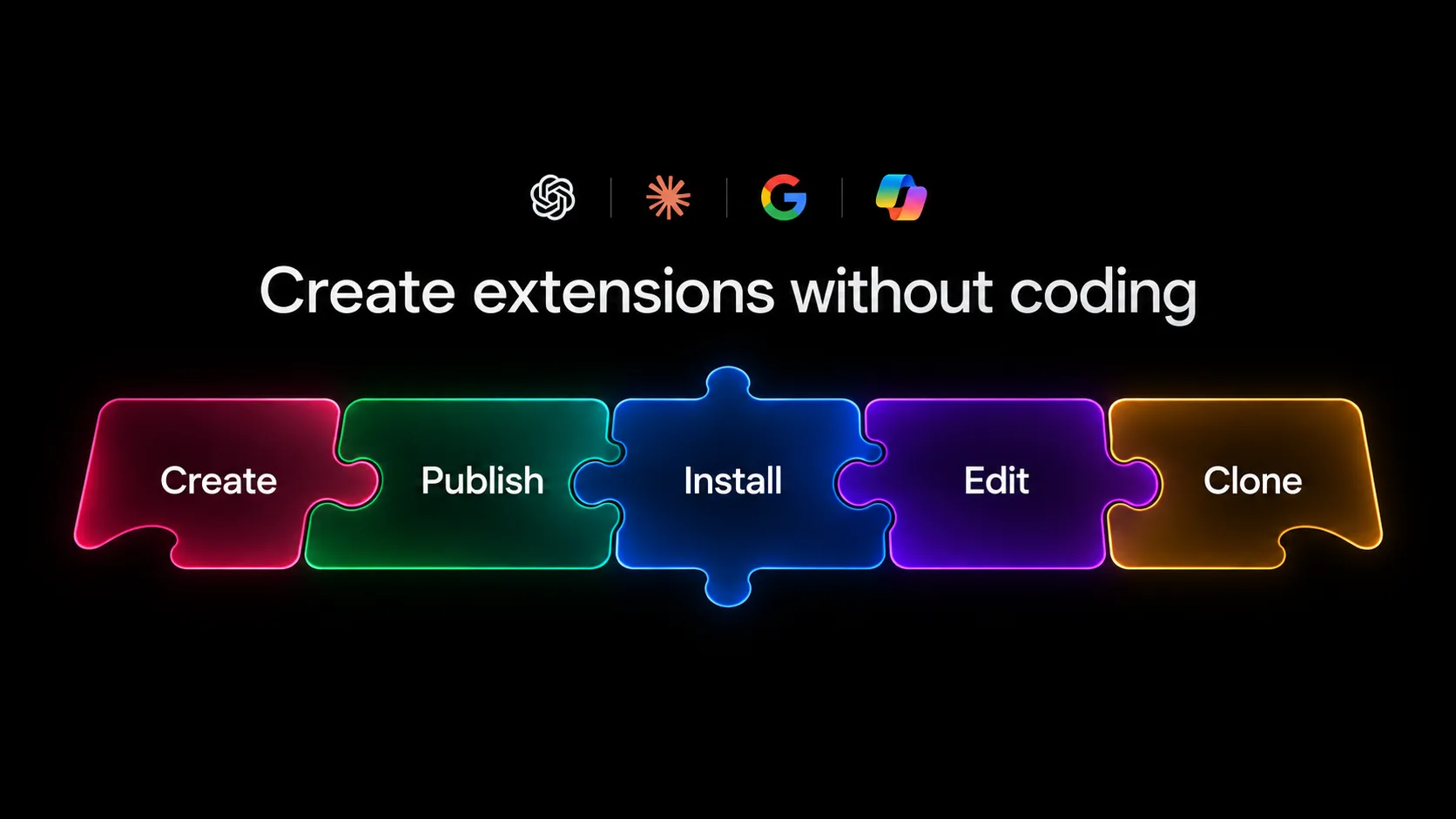
Two steps, and the extension runs in your Lens. You need one of the AI tools below installed on your machine:
- Create. Open Extensions in the navigator, click Create new, give it a name, and pick your agent: Claude Code, GitHub Copilot CLI, Gemini CLI, Codex CLI, or OpenCode.
- Describe. Say which column, view, or command you want. The agent writes it against the public contracts Lens exposes, the same ones Lens is built from, and Lens reloads it in place, with no restart. You never open the code unless you want to.
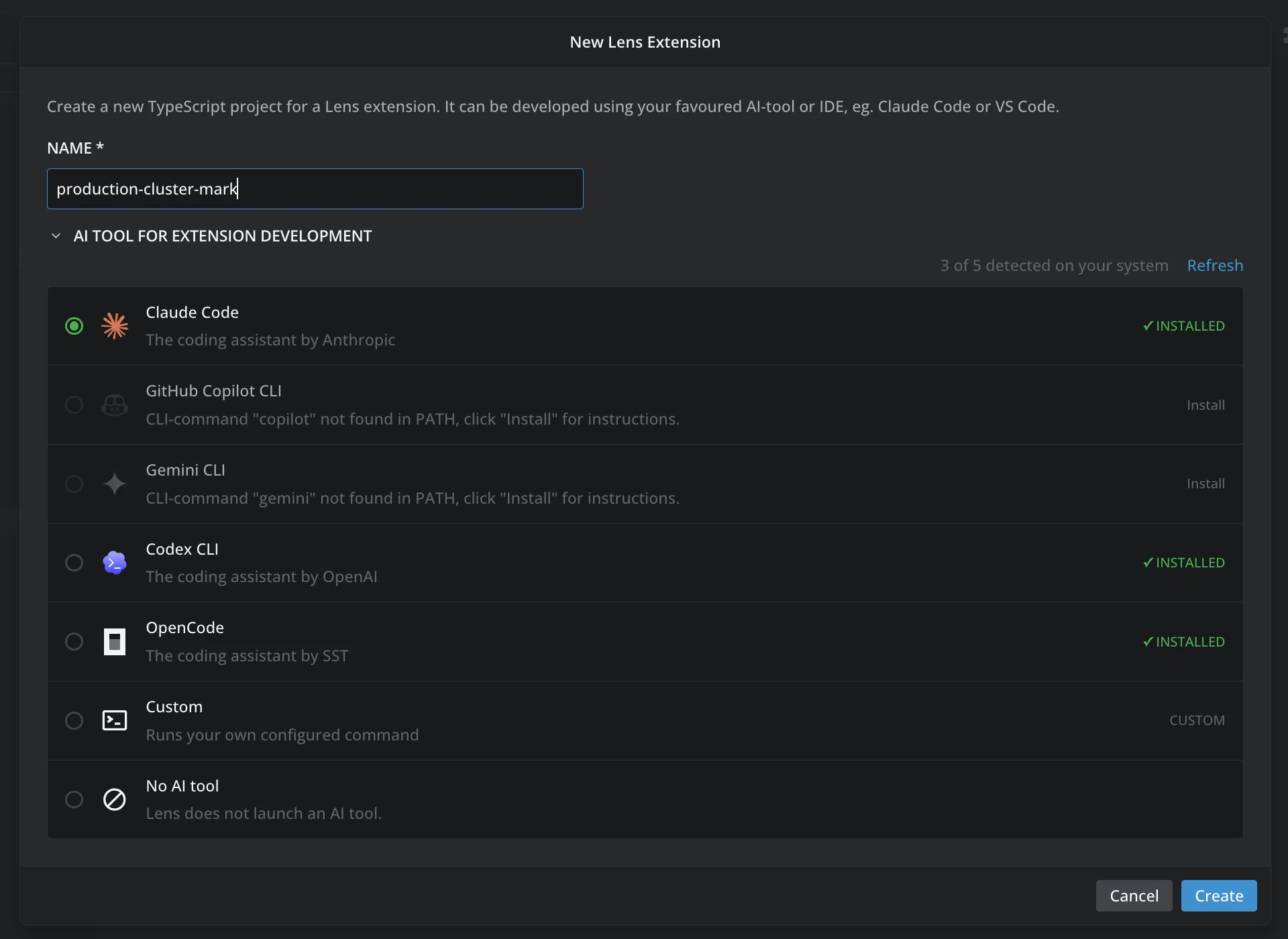
And everything else, from inside Lens:
- Edit. Open an installed extension in your AI tool and change it.
- Publish. One dialog: Lens signs you in to npm and ships it to the Marketplace.
- Share the source on Git. Link a repository and a license, so others can read, clone, and send changes.
- Clone. Copy a public extension into your own, when the license allows, and make it yours.
- Update. Lens checks for new versions every hour and offers them in place.
Customize your workflows in the same tool
With the Argo CD, Flux CD, and Cost Monitoring launches, Lens K8S IDE brought your delivery and cost workflows into the tool. Extensions take the next step: Lens now adapts to your way of working and to the information your team needs, in the same window. Your ticket system next to the resource it is about. Your CLI tools in a tab. The cost, the owner, or the runbook in the column where you look for it. All of it as extensions.
An extension is not a separate app. It is built from the same components Lens is built from. It plugs into Lens through public contracts: a column, a tab, a navigator item, a menu entry. That is why it looks and behaves like Lens, with your theme and spacing and no CSS of your own, as you can see below in Multi-Cluster View.
Browse Lens public extensions
Extensions and the Extension Marketplace ship in Lens K8S IDE 2026.10. Update from inside the app, or download it from lenshq.io. Browse the public extensions at lenshq.io/extensions. Creating, installing, and publishing extensions are Premium Features, included with the Plus, Pro, and Enterprise plans and with an active trial. On the Free plan you can browse the Marketplace, and installing asks you to upgrade. See pricing.
Questions, ideas, or an extension to show? Join the Lens community Slack, the same place Meet the Community opens in the navigator.
Also in this release
- Google Kubernetes Engine. Sign in with Google and Lens lists every GKE cluster in your projects. No gcloud, no kubeconfig to copy. A Premium Feature, with its own post coming soon.
- Terminal Shell Arguments. Preferences > Terminal has a new field below Shell Path, taking one startup argument per line, such as
-NoProfileor--norc. The cluster terminal and the in-app terminals start the shell with them, ahead of the arguments Lens adds itself. - A first step under empty AWS EKS and Azure AKS. An AWS EKS entry with no profiles offers Add AWS Profile. An Azure AKS entry with no organizations offers Add Azure Organization.
- Helm Releases on busy clusters. The Helm Releases view asks the cluster only for Helm's own Secrets instead of every Secret. It uses less CPU and memory on clusters with many Secrets, and its context menu stays open while Secrets change.
- Window menu. A new Window menu has Minimize, and on macOS Zoom, Bring All to Front, and the open windows, with Close Window on Windows and Linux.
- Electron 44. Lens runs on Electron 44 with Chromium 152. macOS 12 Monterey is no longer supported: Lens needs macOS 13 Ventura or later.